
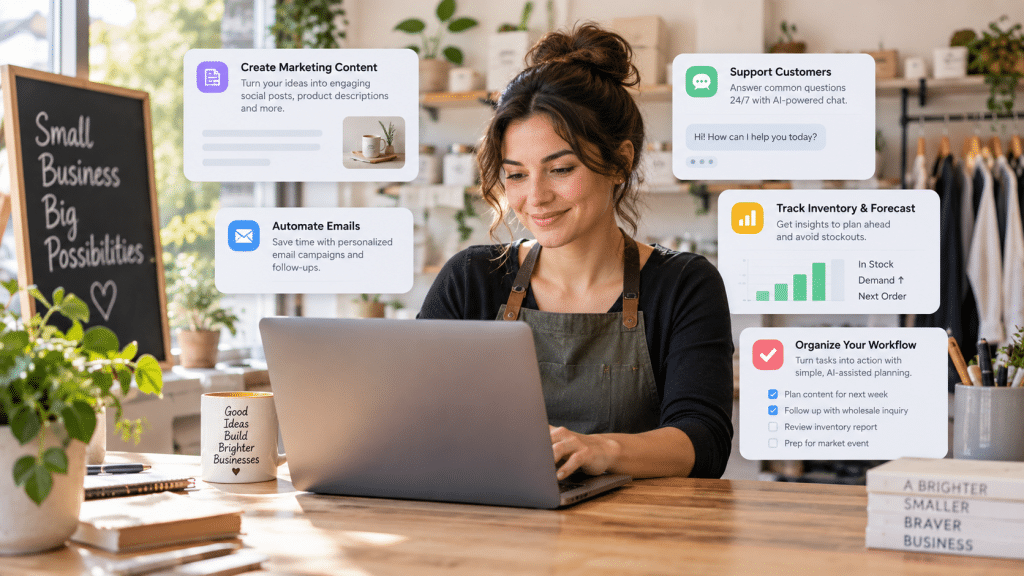
Local and online small business owners are juggling customer demands, admin work, and marketing while trying to protect margins and still grow. The tension is real: AI sounds powerful, but it also sounds expensive, technical, and risky to adopt without the right team. The reality is that accessible artificial intelligence is already within reach, and the AI adoption benefits show up fastest in everyday business productivity enhancements that free up time and reduce repeat work. This is AI myth busting for owners who want practical results without turning their business into a tech project.
Quick Summary of Key Takeaways
- Use AI marketing automation to streamline content creation, scheduling, and campaign management.
- Use lead generation AI to identify prospects faster and prioritize the highest-value opportunities.
- Use customer service chatbots to answer common questions quickly and reduce support workload.
- Use inventory management AI to forecast demand, prevent stockouts, and minimize excess inventory.
- Use cost-effective AI tools to start small, save time immediately, and scale as results improve.
Create On-Brand Marketing Images in 15 Minutes with AI
Once you’ve seen a few quick AI wins, one of the most instantly useful is upgrading your visuals without adding a design project to your week. AI-powered image tools can help you create professional-looking product photos, social media graphics, and marketing visuals fast, without hiring a designer or learning complex software. A particularly low-friction approach is using an image-to-image generator: you start with a reference image you already have (like a product shot or existing graphic), then add a short prompt describing the look you want. The tool uses your original image as the foundation and transforms it into new styles or variations, so you can experiment with different backgrounds, moods, or design treatments while keeping the core subject and overall brand feel consistent. If you want a reputable example of this capability, explore Adobe Firefly AI image to image.

Understanding the AI Basics Behind the Tools
Machine learning is software that learns patterns from examples, then uses those patterns to make useful guesses. Natural language processing is the part of AI that works with everyday words, so a tool can summarize text, draft replies, or pull action items from a message. Training is simply how the system gets those examples, and your “data” is what you feed it, like FAQs, past emails, or product descriptions. Even data preparation matters because messy inputs often create messy outputs.
Think of it like training a new staff member. If you hand them a clear playbook and labeled folders, they get faster and more consistent; if you give them scattered notes, they stall. That is why 76 percent of small businesses are already using or exploring AI. With these terms clear, practical setups for support, social, email, and forecasting become much easier to choose.
Follow This Step-by-Step Plan to Add AI to Daily Operations
You don’t need a big budget or a data science team to put AI to work. Treat each rollout like a small automation project: pick a narrow workflow, give the tool a little “training data” (examples, FAQs, past emails), and measure outputs so you can iterate.
- Start with AI customer support on your most common questions: Pull 20–30 real customer questions from email, chat, and DMs, then group them into 5–8 themes (shipping, pricing, scheduling, returns, troubleshooting). Use a low-cost chatbot or an AI assistant connected to your help desk to draft answers using your policy text, product pages, and a short tone guide (what you will/won’t promise). Measure success with two simple numbers: % of conversations resolved without a human handoff and average first-response time.
- Automate social posting from one “content source of truth”: Choose one weekly input, new inventory, a blog post, customer FAQs, or before/after photos, and have an AI tool turn it into 5–7 posts in your brand voice. Set up a basic approval workflow: draft on Monday, review/edit in 20 minutes, schedule for the week. Track results with saves/shares (quality) and link clicks (intent), and keep a short prompt log so your outputs get more consistent over time.
- Add email marketing automation with AI-written variants (but keep the rules): Use your email platform’s automation triggers (welcome series, abandoned cart, post-purchase check-in, reactivation) and ask an AI assistant to draft 2–3 subject lines and two versions of body copy per email. Keep the “automation” logic rules-driven, who gets what and when, then use AI for the language and segmentation ideas. As a proof point that small tweaks can matter, Spotify significantly improved deliverability after improving email verification, so prioritize list hygiene and deliverability checks alongside copy tests.
- Build a lightweight inventory forecast from what you already track: Export the last 6–12 months of sales by SKU (or service bookings by type), then add columns for seasonality events (holidays, promos, local events) and lead times. Use an inventory forecasting tool or a spreadsheet with AI assistance to predict the next 4–8 weeks, then set reorder points based on “days of cover” (e.g., keep 14–21 days). Measure the impact by stockout incidents, rush shipping costs, and how often you discount overstock.
- Use cost-free AI platforms to standardize your internal SOPs: Ask an AI assistant to turn your best employee’s process into a checklist for quoting, onboarding, closing, or refunds. This is where natural language processing shines: you provide examples, it produces repeatable steps that reduce variance across the team. If you want to keep spending near zero, Claude offers a free plan and similar assistants can help you draft SOPs, macros, and templates without buying a new system.
- Set “training data” and guardrails before you scale anything: For each workflow, create a one-page reference: approved sources (policies, price list), forbidden actions (refund approvals, legal advice), and 5 examples of good outputs. This mirrors the basics of data training and automation: better inputs and clear constraints produce more reliable outputs. Review one week of outputs, adjust prompts/templates, and only then expand to a second workflow.
Start Small With AI to Save Time and Grow Steadily
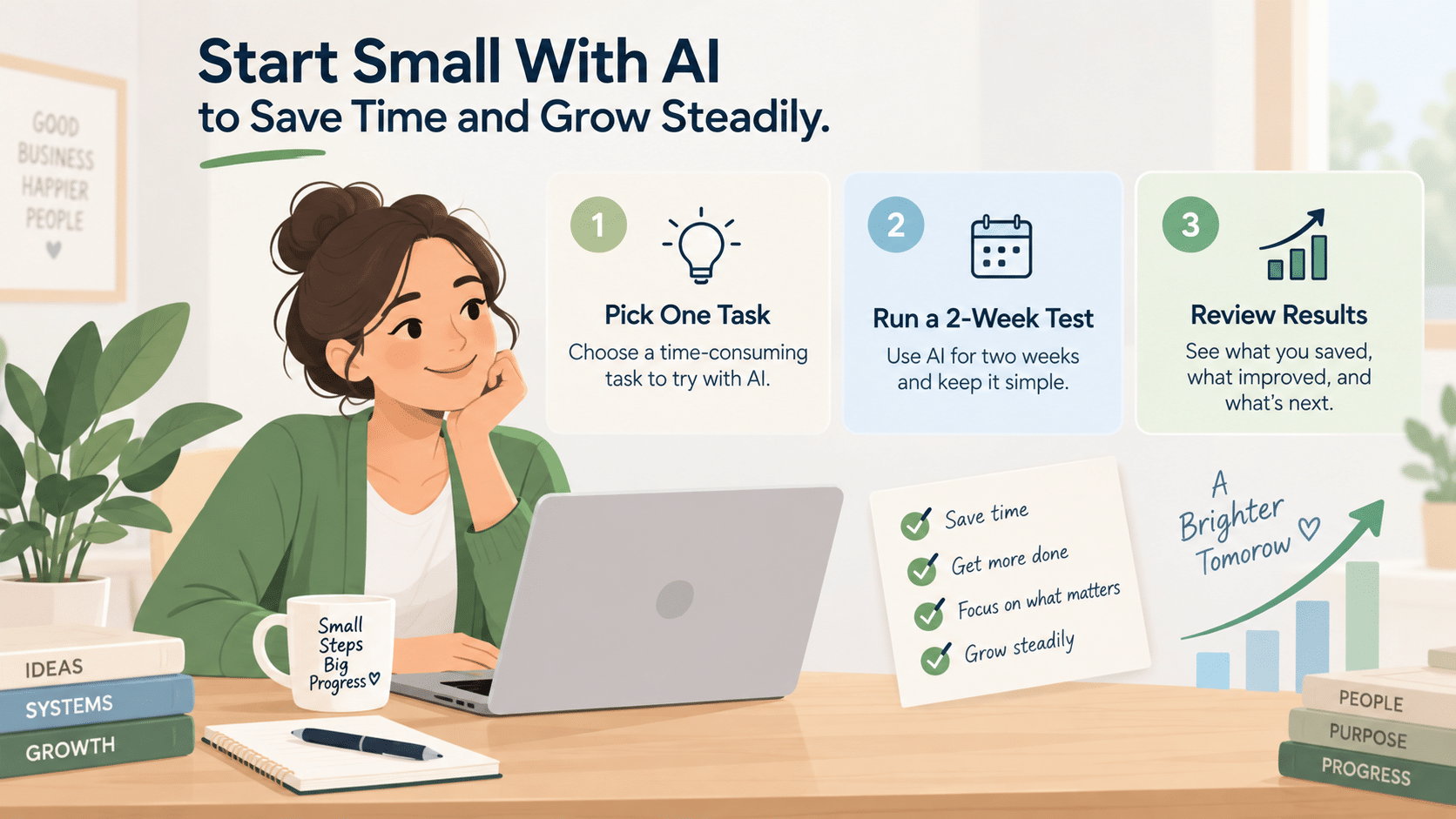
Most small business owners are stretched thin, and adding another tool can feel like risky extra work, especially when overcoming AI apprehension is part of the hurdle. The steadier path is small business AI integration by choosing one workflow, running a short trial, and iterating until the process feels natural and confidence in AI use follows. Over time, that starting AI journey turns scattered busywork into repeatable systems, clearer decisions, and more hours back for customers and strategy. Pick one task, run a two-week test, and let results, not fear, guide your AI adoption.